Join a group seminar
Open the available seminar occurrence in your sequence. Complete preceding activities first and use the account assigned to your course.
Wait, then join
Before the supervisor opens the run, you see a waiting screen. When it becomes available, choose Start case to join.
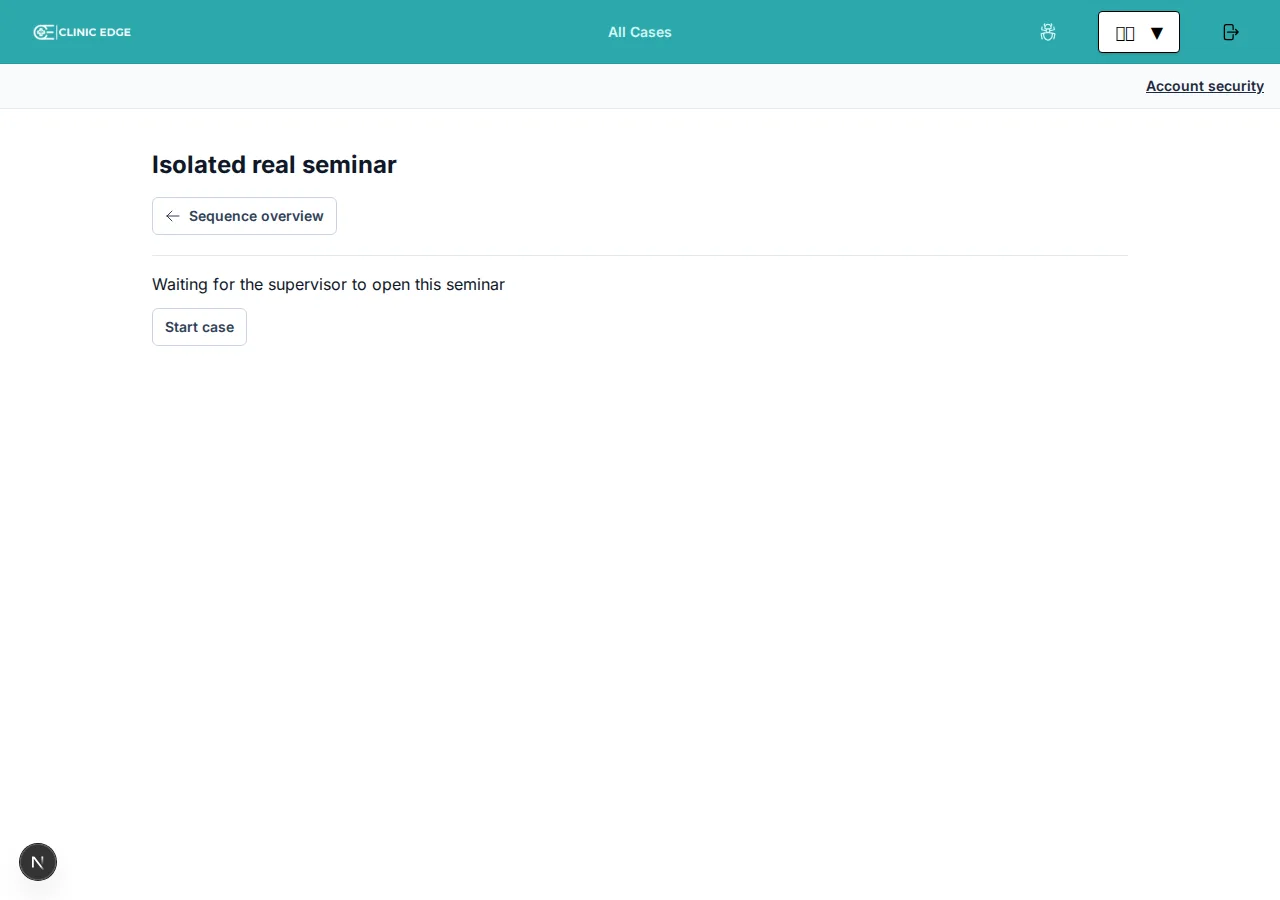
Waiting alone does not record your participation. After joining, check that the vignette and released-content navigation appear; ask the supervisor if you remain on the waiting screen.
Despite that button label, a group seminar does not create your own individual patient. Your participation is tied to the shared run and your sequence.
Follow the discussion
The vignette is available first. The supervisor releases more text, images, findings, and results as teaching develops. Everyone sees the same stored shared results.
You can browse released items independently. Your selected item does not control the projector, and the projector's selection does not force your browser to switch.
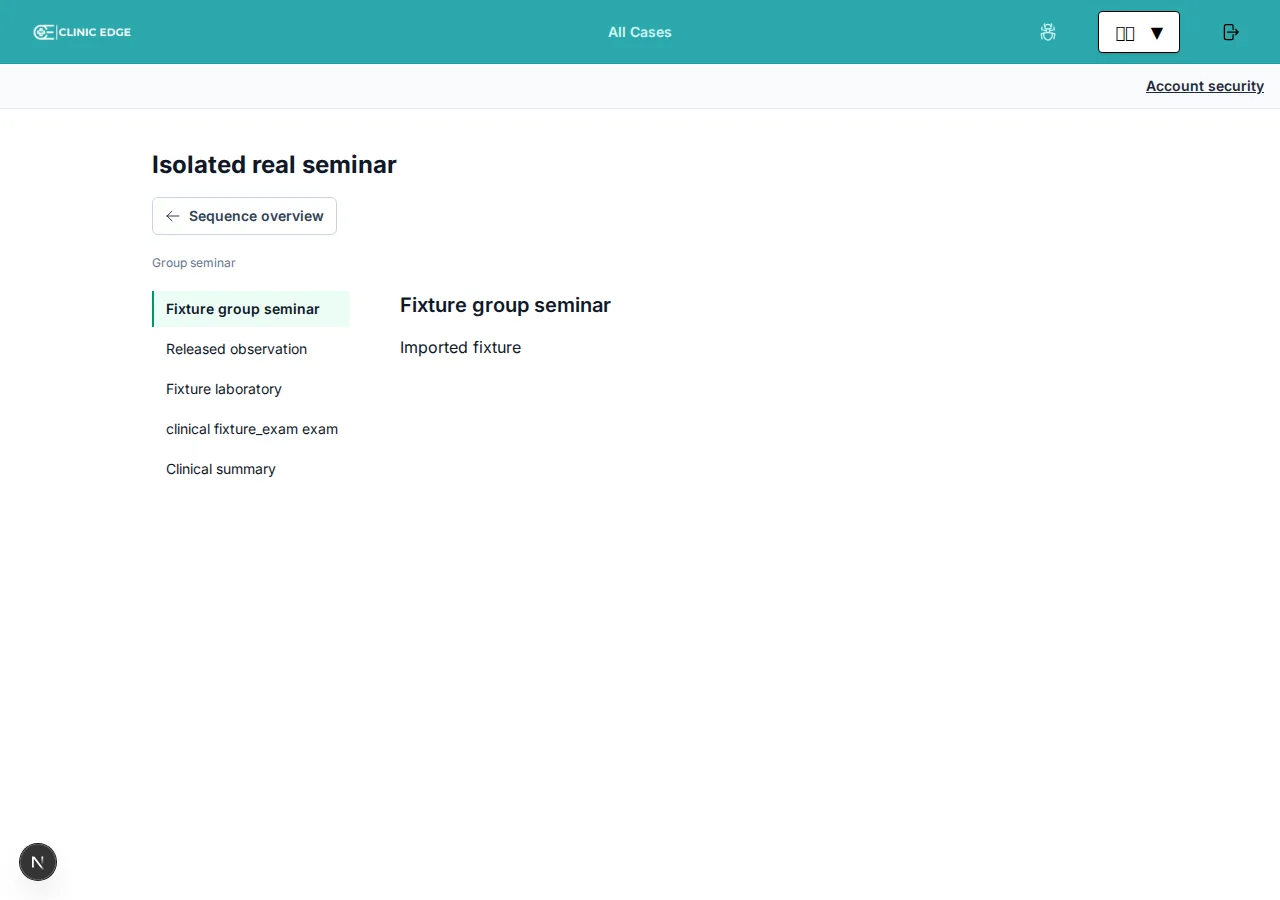
Synthetic teaching scenario. Your course will use its own titles and clinical content.
Released content on a mobile screen
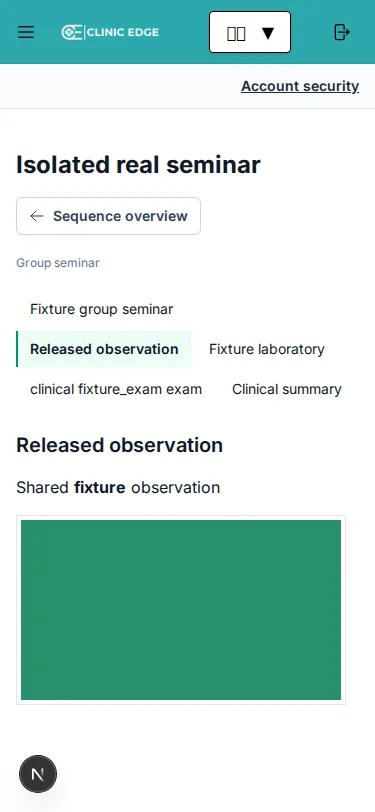
If staff hide an item, it is no longer available to browse. The vignette remains available.
Timer and completion
The shared timer on the teaching display is a soft teaching aid; your own browsing view does not show that clock. Reaching zero does not automatically end the seminar or submit another course activity.
The supervisor concludes the run. This completes joined participants' sequence activity and unlocks the next one. Choose Continue learning sequence, then start the next available step. A following seminar still needs its own open run; a following test or survey needs your final submission.
Use Seminar archive to revisit your run's retained released material, subject to your course/account access. Closing your browser does not conclude the seminar. If you never joined, you cannot simply join after it has concluded.
If you attended but did not join correctly, ask the supervisor. Staff have a checked attendance-correction workflow; do not sign in as another learner or share their PIN.
Privacy
The projected display is intentionally narrower than the staff workspace. Do not photograph credential screens or send private classroom/display URLs to others. Use only fictional/de-identified clinical information in the discussion.